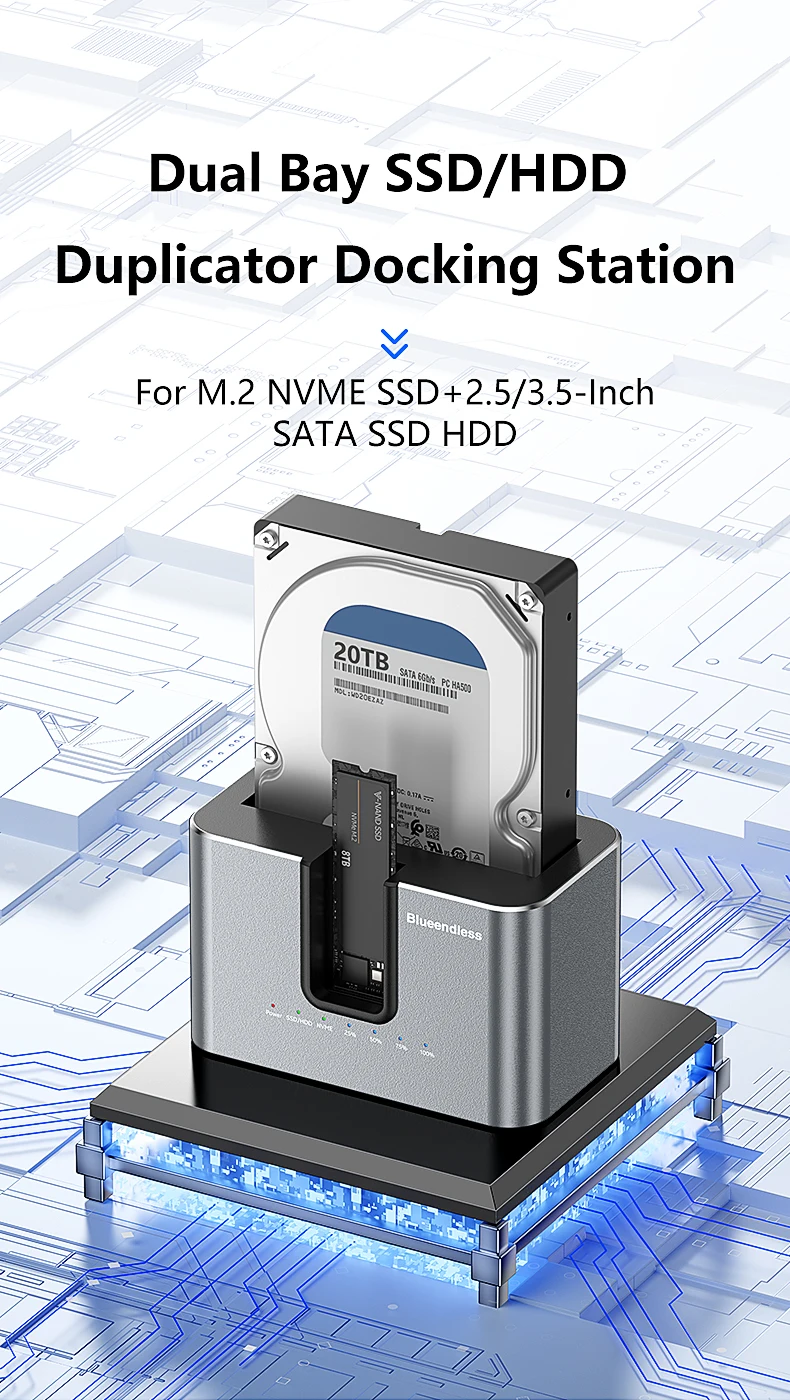
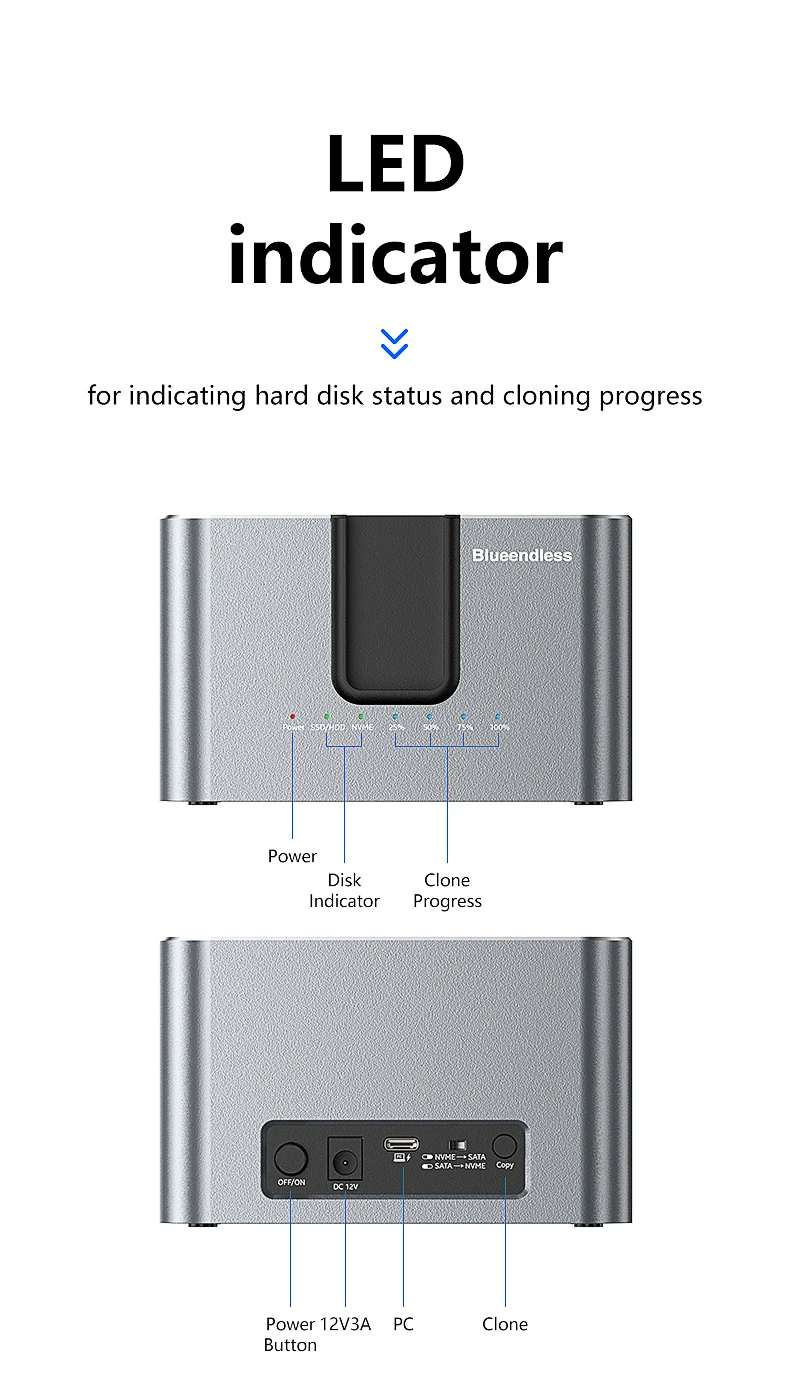
Blueendless offline Clone Function M.2 NVME to SATA 2.5 3.5 2.5/3.5 Inch SSD HDD Duplicator Docking Station Enclosure Adapter
HD01N EU PLUG
£57.10
Skip to product information


Blueendless offline Clone Function M.2 NVME to SATA 2.5 3.5 2.5/3.5 Inch SSD HDD Duplicator Docking Station Enclosure Adapter
£57.10
SPECIFICATIONS
Brand Name: Blueendless
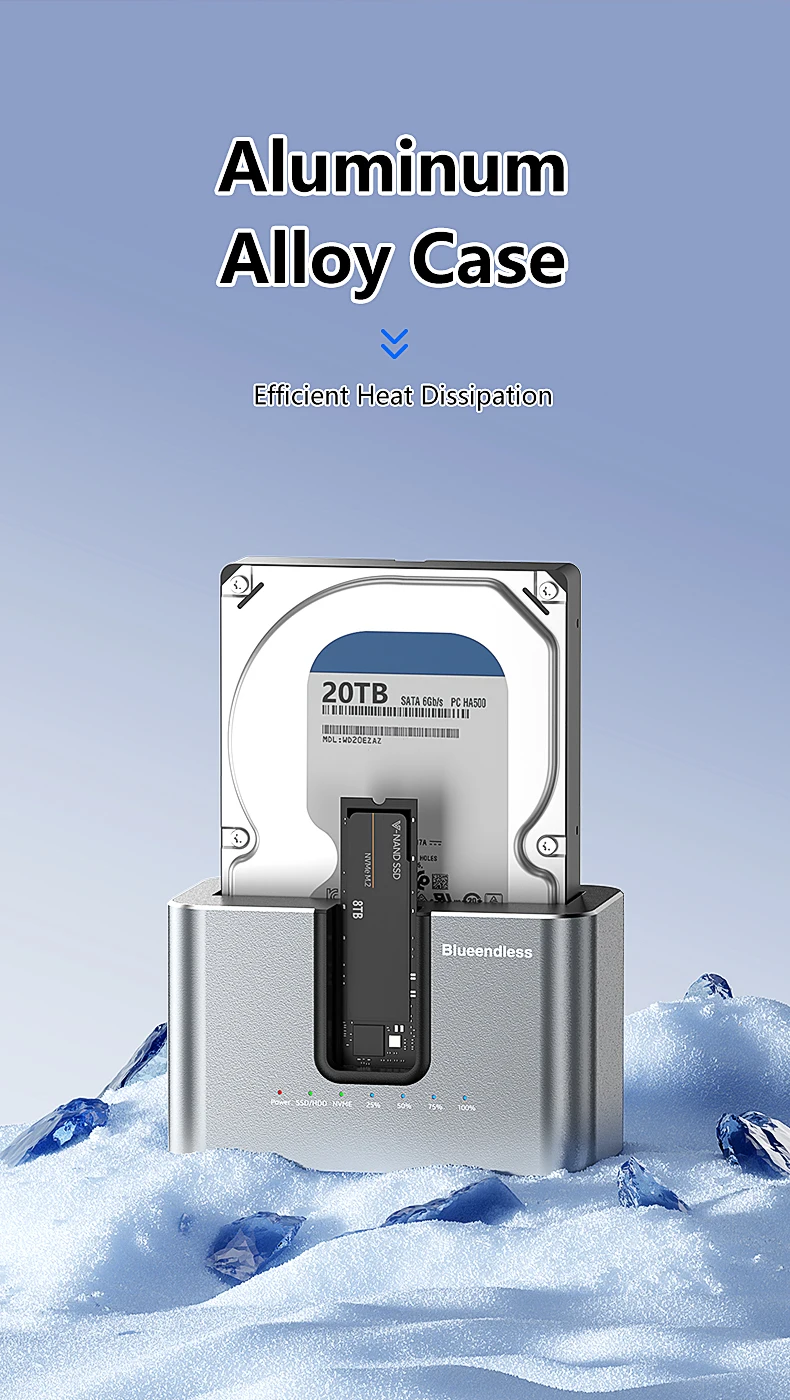
Case Material: aluminum
Choice: yes
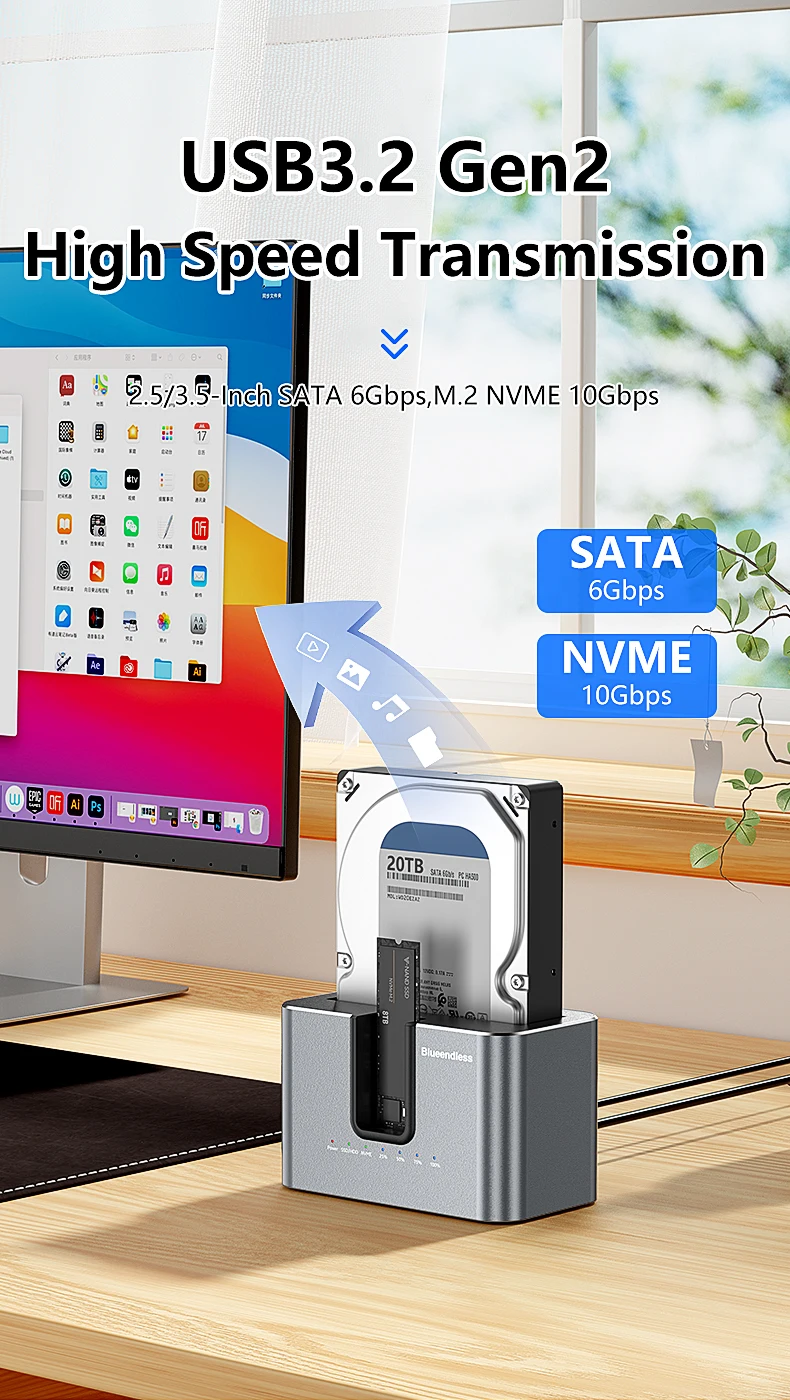
External Interface: USB
High-concerned chemical: None
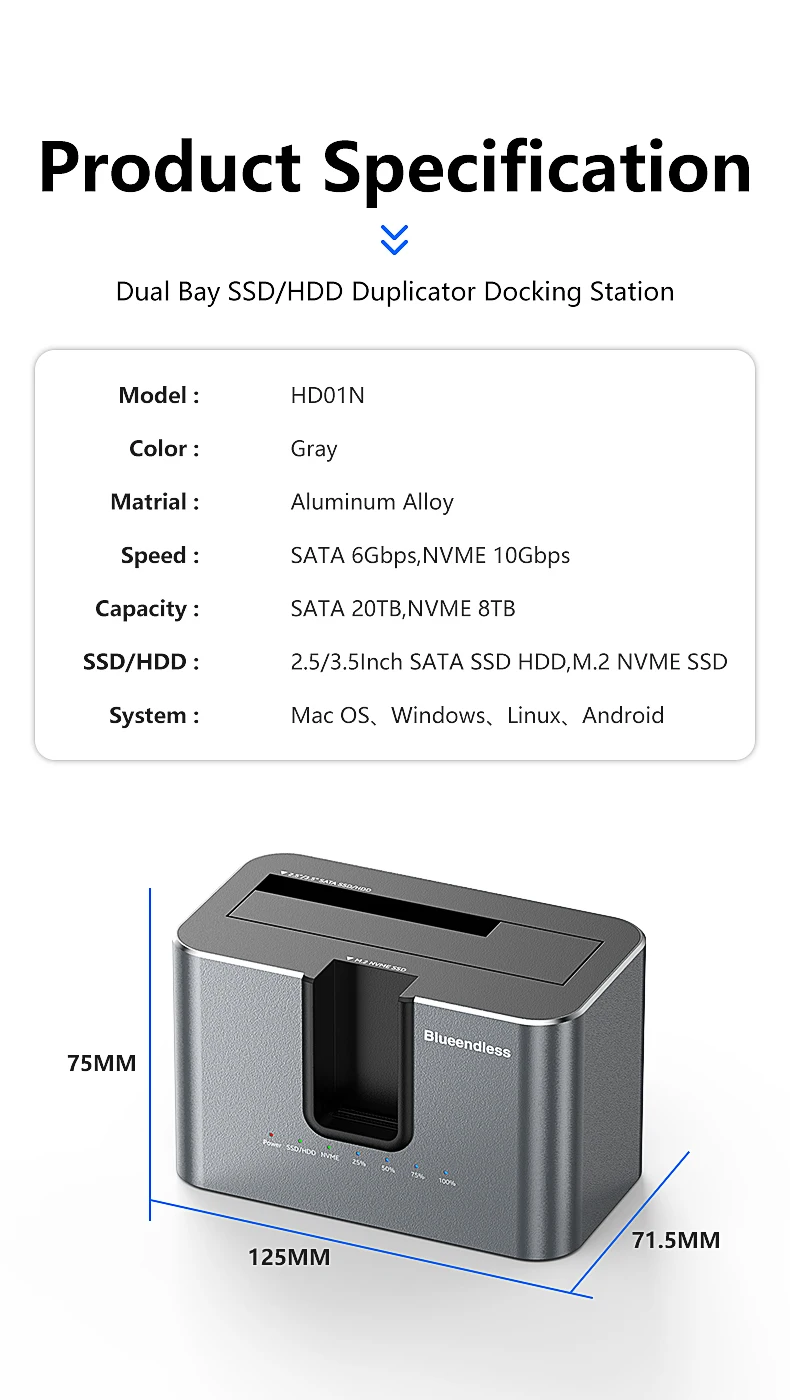
Model Number: HD01N
Origin: Mainland China
Package: Yes
Plug Type: EU Plug,US Plug,AU Plug,UK Plug
Size: 1.8"
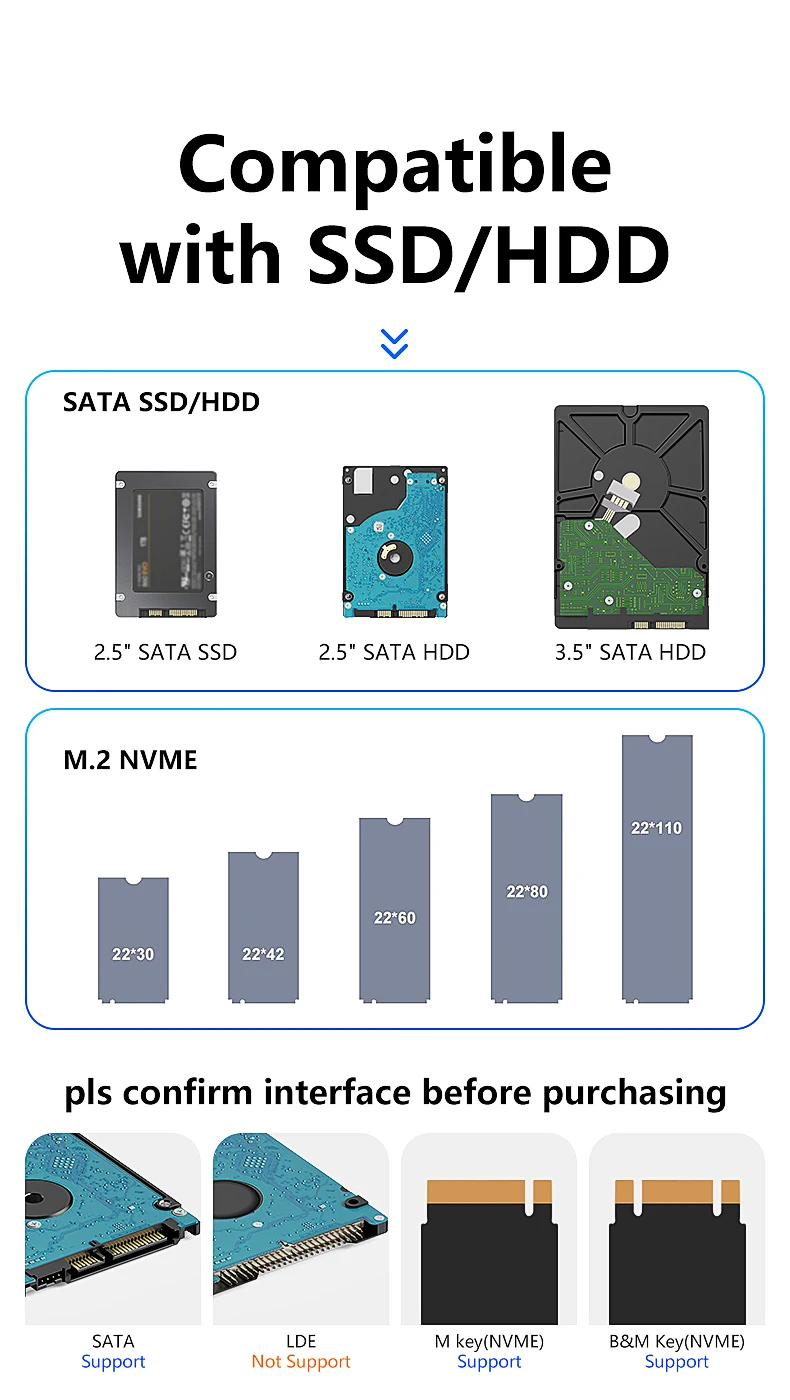
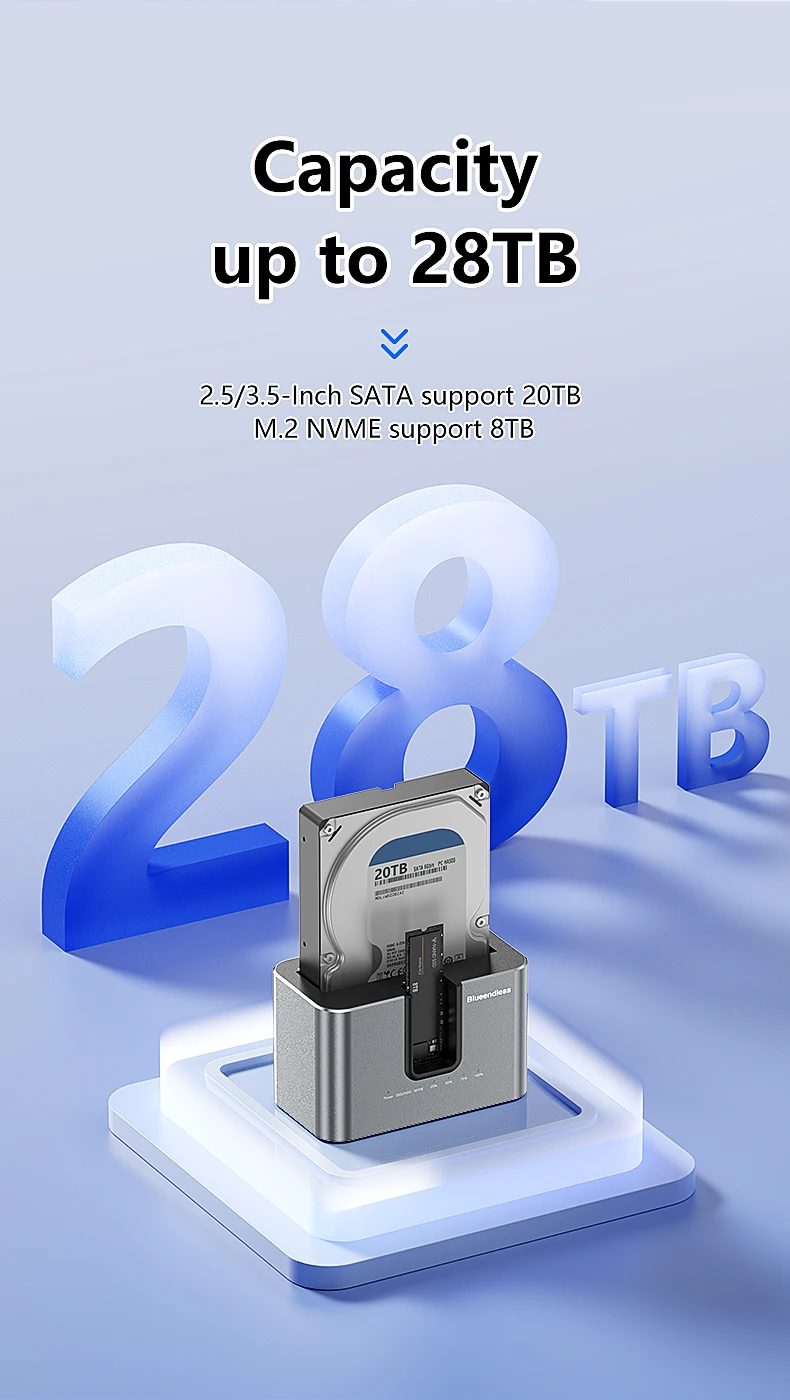
Support Capacity: M.2 NVME 8TB , 2.5" 3.5" SATA 20TB
Supporting Hard Drive Capacity: 20TB
function: offline clone,copy SATA 2.5 or 3.5 hdd to NMVE SSD,copy from M.2 NVME ssd to SATA 2.5 or 3.5 hdd
material: aluminum alloy
Blueendless offline Clone Function M.2 NVME to SATA 2.5 3.5 2.5/3.5 Inch Enclosure
Type: Dual Bay SSD HDD Cloner Duplicator Docking Station
Interface:Type C
Speed:NVME 10Gbps,2.5"/3.5" SATA 6Gbps
Protocol:UASP&Trim
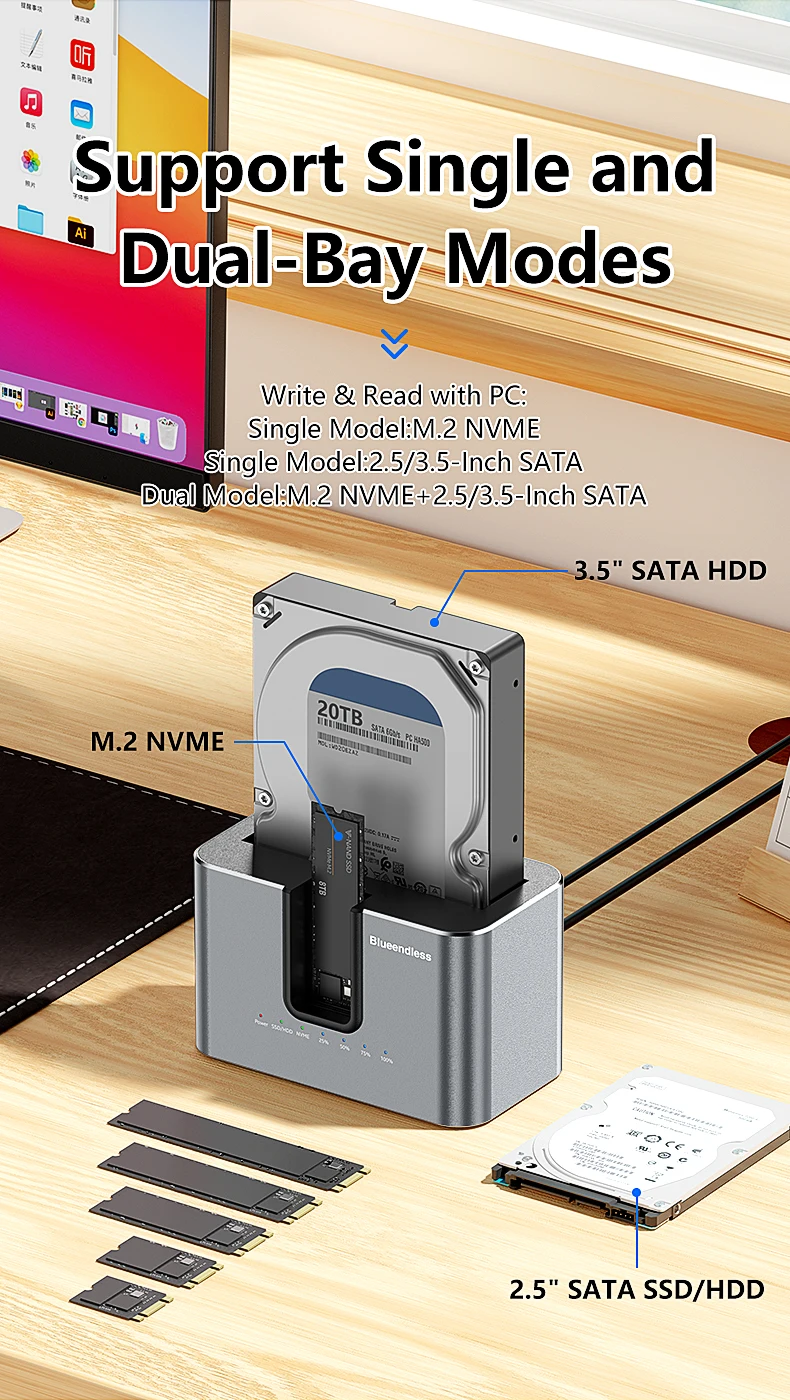
Support SSD/HDD: M.2 NVME SSD & 2.5"/3.5" SATA SSD/HDD
(please note:one of the slot is only support M.2 NVME SSD not or M.2 SATA SSD,the other slot support SATA SSD/HDD)
Support Capacity:M.2 NVME 8TB, 2.5" 3.5" SATA 20TB
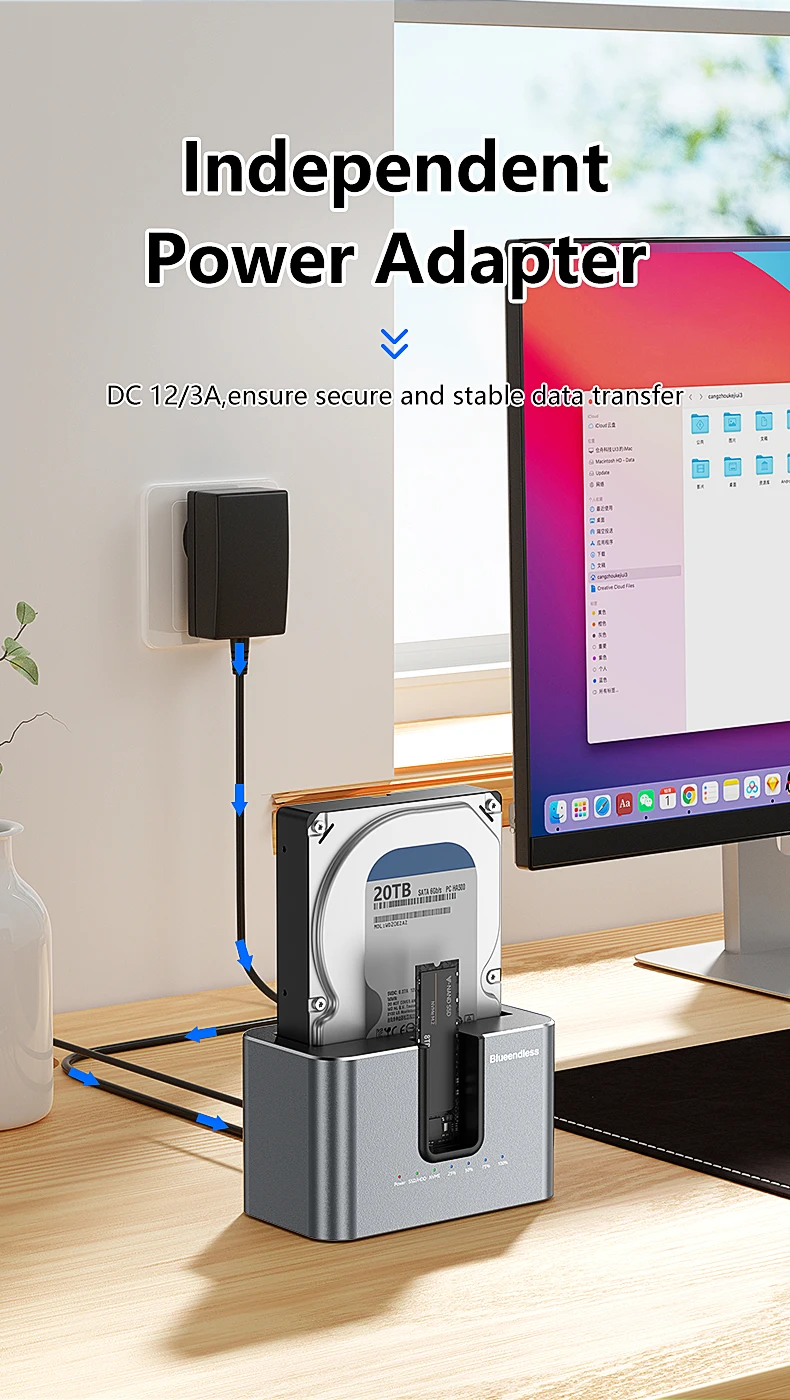
Power Supply:12V 2A
Power Adapter:US,UK,EU,AU
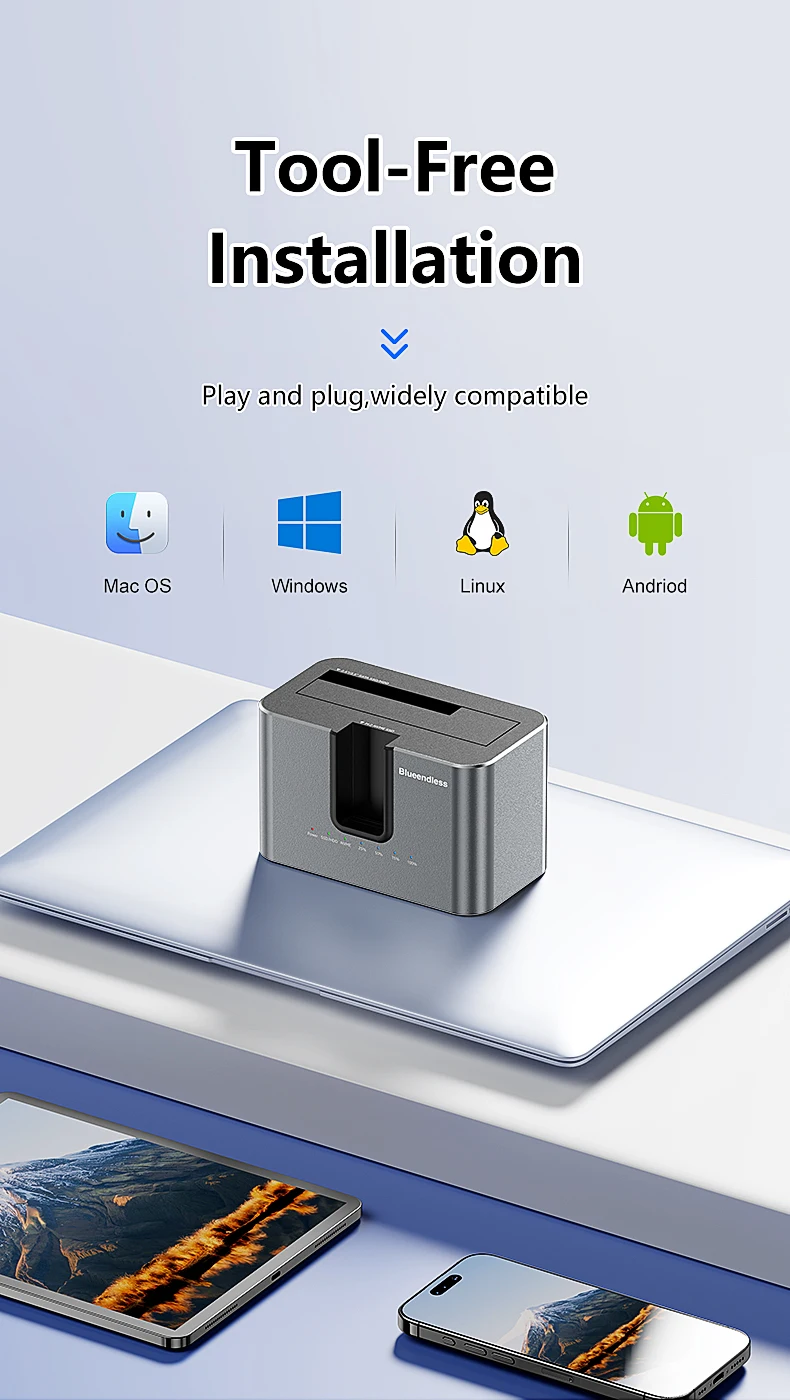
Intall:Tool Free
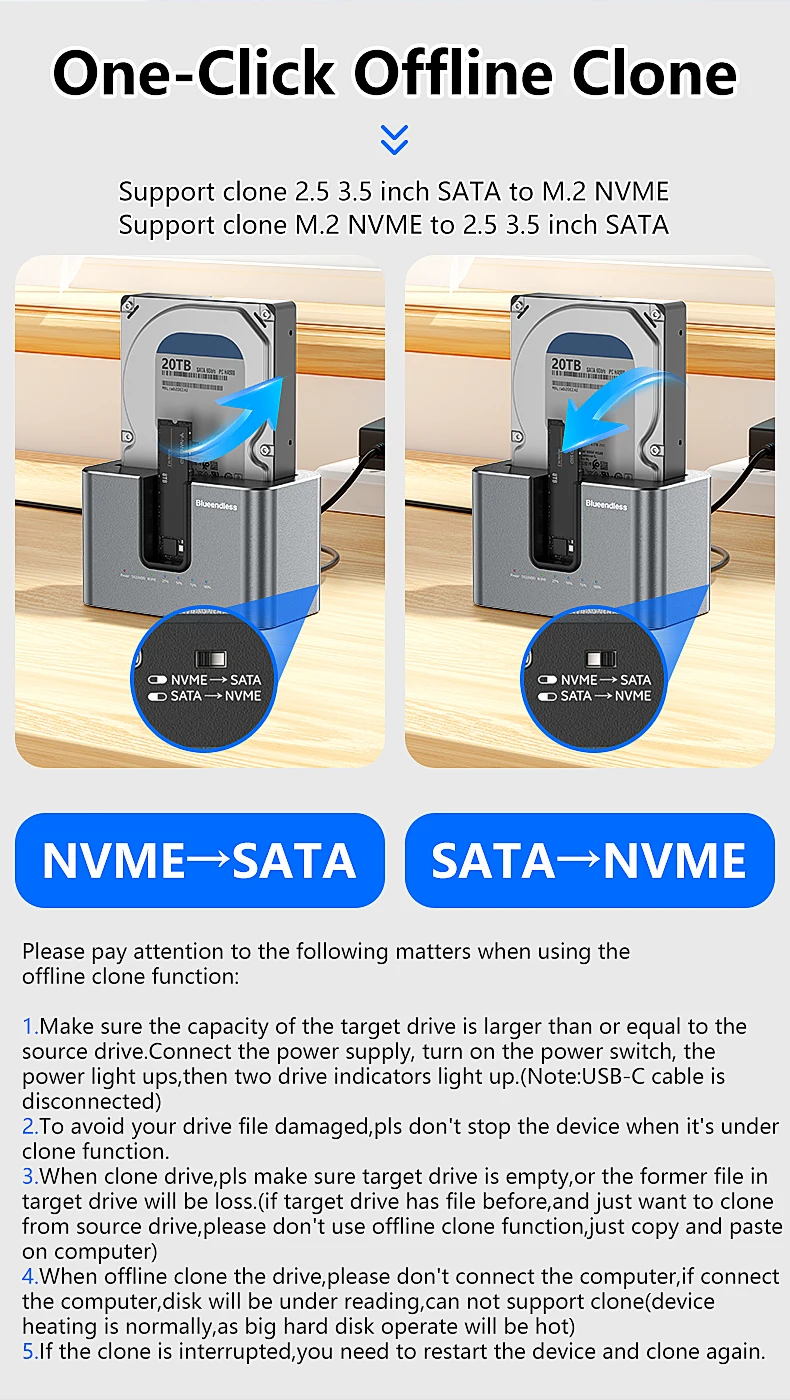
Offline Clone:
NVME to 2.5"/3.5" SATA
2.5"/3.5" SATA to NVME
Write & Read with PC:
Single NVME
Single 2.5"/3.5" SATA
NVME+2.5"/3.5" SATA
please pay attention to the following matters when using the offline clone function.
1.back disk(B) must be larger capacity(eliminate space loss) than front disk(A),
Plug in identify Source Disk(front port) and Target Disk(back port)
Connect power supply and switch on power. (make sure that the USB cable is disconnected)
2.To avoid your disk file damaged,please don't stop the device when it's under clone function.
3.When copy disk,please make sure disk B is empty,or the former file in disk B will be loss.(if disk B has file before,and just want to copy from disk A,please don't use offline clone function,just copy and paste on computer)
4.When offline copy the disk,please don't connect the computer,if connect the computer,disk will be under reading,can not support copy(device heating is normally,as big hard disk operate will be hot)
5.if the clone is interrupted ,you need to restart the device and clone again.