Gamepad For playstation 5 PS5/PS4/Pc Console Wire Controller With Turbo Touchpad Hall Trigger, Vibration Headphone Function Game
white
£32.76
Skip to product information


Gamepad For playstation 5 PS5/PS4/Pc Console Wire Controller With Turbo Touchpad Hall Trigger, Vibration Headphone Function Game
£32.76
SPECIFICATIONS
Battery Included: Yes
Brand Name: bonacell
Certification: CE
Compatible Brand/Model: Sony
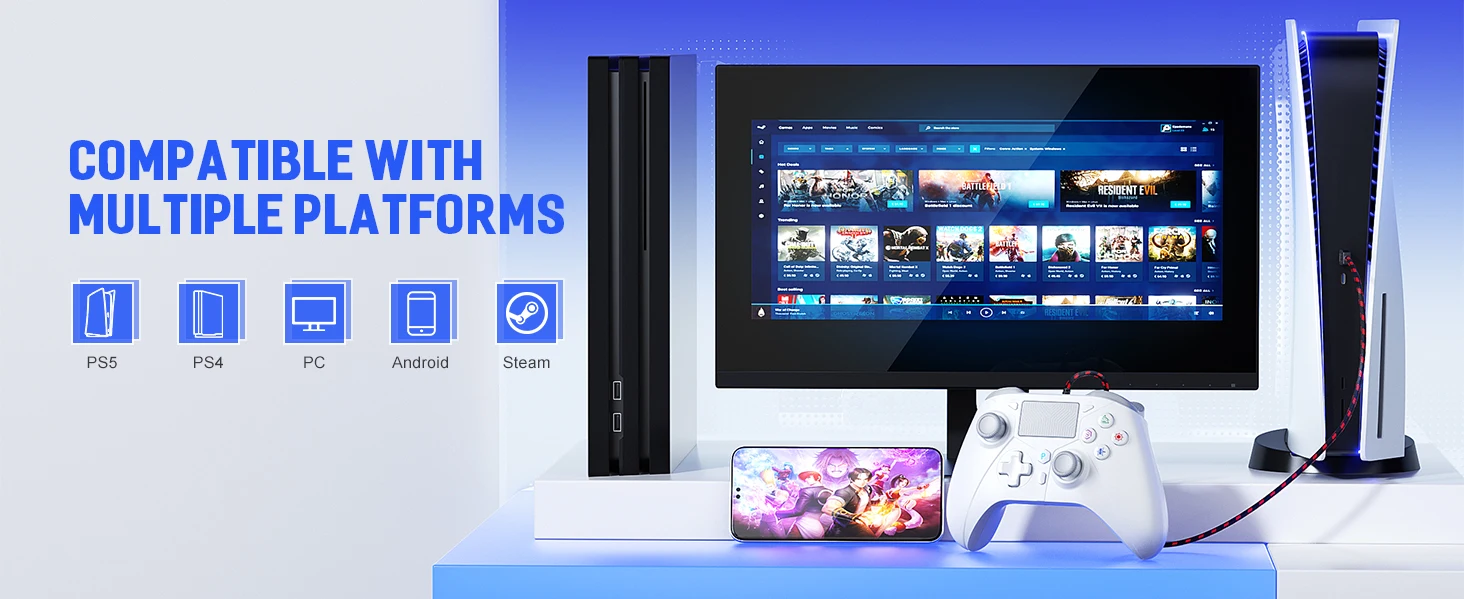
Compatible Platform: playstation,PC
Compatible Sony Model: PLAYSTATION4,ps5,PS4 Pro,PS4 Slim
D-pad Switch Type: Tactile switch
For PS4 Controller: Pc Controller
For playstation 5 Gamepad: For PS5 Controller
Hall Effect: Yes
High-concerned chemical: None
Interface Type: USB
Model Number: RH-518
Origin: Mainland China
Package: Yes
RGB lighting joysticks: No
Trigger Button Type: Hall-Linear
Type: Gamepads
Wire Controller: Vibration Function
uProduct Description
The controller is a wired controller for PS 5 and PS4 consoles;
The controller also adds new features, including a pressable dual-point capacitive touchpad on the front. The controller is also the first to officially support Windows PC
The controller output port has a 3.5mm stereo jack for connecting headphones and microphones, allowing users to receive and transmit audio at the same time. In addition, the controller is also equipped with a USB port.
The controller is also equipped with a light bar that can display various colors. Different colors can be used to represent different players and can be used as a reminder of important messages (such as the health of the game character is reduced).
The controller also supports multi-platform automatic recognition of PS 5, PS 4, PC, PC360 function
u Function Introduction
PS 5/PS 4 function: Connect to the PS5/PS4 console through the handle to control the corresponding PS 5/PS 4 games; the handle has a built-in 3.5MM headphone jack and supports voice function; it has RGB LED color channel indication to facilitate the distinction between different users and roles; it supports dual-point capacitive sensing touchpad; it supports dual-motor vibration function; (standard PS5 function).
Windows (PC) FeaturesConnect to the PC through the handle to realize the original PS 5 DualSense Wireless Controller; in PC mode, the power-on defaults to the original PS 5 mode and supports wired audio function; press and hold the SHARE+OPTIONS keys for 3 seconds to switch to XINPUT (PC360) mode, and the PC will automatically install the driver; all platforms do not save the last power-on status, plug and play.